ERP vs CRM: What's the Difference?
Understand the key differences between ERP and CRM systems: what each one does, their benefits, use cases, costs, the role of AI, and how to decide which system (or both) your business actually needs.
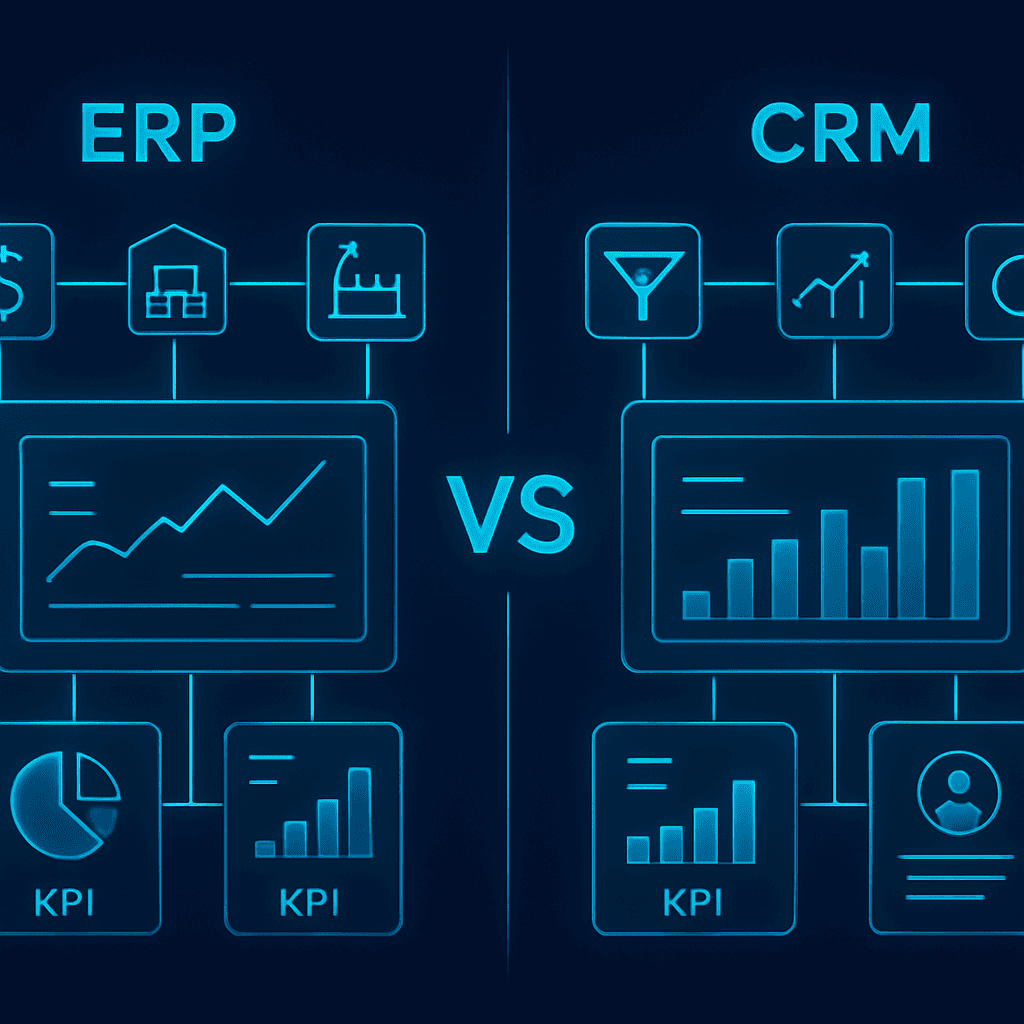
Understanding Which System Your Business Actually Needs
As businesses grow, managing operations and customer relationships becomes increasingly complex.
At some point, spreadsheets, disconnected software tools, and manual processes start creating inefficiencies that slow down growth.
This is usually when companies begin evaluating business software solutions and encounter two common terms: ERP and CRM.
While both systems help organizations improve efficiency and centralize information, they serve very different purposes.
Understanding the difference between ERP and CRM is essential before investing in software that could significantly impact your company's growth.
In this guide, we'll explain what ERP and CRM systems are, their key differences, benefits, use cases, costs, and when businesses should choose one—or both.
What Is a CRM?
CRM stands for Customer Relationship Management.
A CRM system is designed to help businesses manage interactions with leads, prospects, and customers throughout the entire sales journey.
The primary goal of a CRM is to improve customer relationships, increase sales, and optimize commercial processes.
A CRM typically focuses on:
- Lead Management
- Sales Pipelines
- Customer Data
- Follow-Ups
- Sales Forecasting
- Marketing Automation
- Customer Support
- Opportunity Tracking
The sales and marketing teams are usually the primary users of a CRM.
Example of CRM Usage
Imagine a software company generating leads from:
- Google Ads
- Website Forms
- Referrals
A CRM automatically captures these leads, assigns them to sales representatives, tracks conversations, schedules follow-ups, and monitors deal progress until a sale is closed.
Everything related to customer acquisition is centralized.
Popular CRM Platforms
Examples include:
- Salesforce
- HubSpot
- Zoho CRM
- Pipedrive
- Monday Sales CRM
Some businesses eventually choose custom CRM development to better align the platform with their unique sales processes.
Related Reading: Custom CRM Development: Complete Guide
What Is an ERP?
ERP stands for Enterprise Resource Planning.
An ERP system is designed to manage and integrate core business operations.
Instead of focusing on customers, an ERP focuses on internal business processes.
ERP systems commonly manage:
- Finance
- Accounting
- Inventory
- Procurement
- Production
- Logistics
- Human Resources
- Supply Chain
- Operations
The primary goal is to improve operational efficiency and centralize company-wide information.
Example of ERP Usage
Imagine a manufacturing company.
The ERP manages:
- Raw material inventory
- Purchase orders
- Production schedules
- Employee records
- Financial reporting
- Supplier management
Every department operates within a unified system.
Popular ERP Platforms
Examples include:
- SAP
- Oracle ERP
- Microsoft Dynamics
- NetSuite
- Odoo
Many growing companies choose custom ERP development when their processes cannot be fully supported by off-the-shelf ERP platforms.
ERP vs CRM: The Core Difference
The easiest way to understand the difference is:
CRM = Customer-Facing Operations
Focuses on:
- Leads
- Customers
- Sales
- Marketing
- Customer Relationships
ERP = Internal Business Operations
Focuses on:
- Finance
- Inventory
- Operations
- Procurement
- Human Resources
- Production
Think of it this way:
A CRM helps you win customers.
An ERP helps you deliver products and services efficiently.
ERP vs CRM Comparison Table
| Feature | CRM | ERP |
|---|---|---|
| Lead Management | Yes | No |
| Sales Pipeline | Yes | No |
| Marketing Automation | Yes | No |
| Customer Communication | Yes | No |
| Financial Management | No | Yes |
| Inventory Management | No | Yes |
| Procurement | No | Yes |
| Manufacturing | No | Yes |
| Human Resources | No | Yes |
| Operational Reporting | Limited | Yes |
| Customer Support | Yes | Limited |
| Supply Chain Management | No | Yes |
Benefits of a CRM System
Improved Sales Performance
Sales teams gain visibility into opportunities and pipeline health.
Better Customer Relationships
Customer information is centralized and accessible.
Increased Lead Conversion
Automated workflows improve follow-up consistency.
Sales Forecasting
Managers can predict revenue more accurately.
Marketing Alignment
Marketing and sales teams work from the same data.
Benefits of an ERP System
Operational Efficiency
Processes become standardized and automated.
Better Financial Visibility
Companies gain real-time access to financial performance.
Inventory Control
ERP systems reduce stock issues and improve planning.
Improved Resource Management
Teams can allocate resources more effectively.
Data Centralization
Departments operate from a single source of truth.
When Does a Business Need a CRM?
A CRM becomes valuable when:
- Lead volume is increasing
- Sales teams are growing
- Follow-ups are inconsistent
- Customer information is scattered
- Reporting is difficult
- Revenue forecasting is unreliable
Common Industries Using CRM
- SaaS Companies
- Marketing Agencies
- Consulting Firms
- Real Estate
- Healthcare
- Financial Services
- B2B Companies
When Does a Business Need an ERP?
An ERP becomes essential when:
- Inventory management becomes complex
- Financial reporting requires automation
- Operations involve multiple departments
- Procurement processes are difficult to track
- Production workflows need coordination
- Manual processes create inefficiencies
Common Industries Using ERP
- Manufacturing
- Distribution
- Logistics
- Retail
- Healthcare
- Construction
- Wholesale Businesses
Can a Business Use Both ERP and CRM?
Absolutely.
In fact, many medium-sized and enterprise organizations use both systems simultaneously.
A CRM manages customer acquisition.
An ERP manages business execution.
Together, they create a complete operational ecosystem.
Example
Sales team closes a deal inside the CRM.
The information automatically flows into the ERP where:
- Invoices are generated
- Inventory is updated
- Procurement begins
- Delivery is scheduled
- Financial reporting is updated
This creates a seamless workflow across departments.
ERP and CRM Integration
One of the biggest trends in enterprise software is ERP-CRM integration.
Benefits include:
- Elimination of duplicate data entry
- Better reporting
- Improved customer experience
- Faster operations
- Enhanced visibility across departments
Integration can be achieved through APIs or custom software solutions.
Related Reading: Business Process Automation: Benefits and Examples
Custom ERP vs Custom CRM
Many companies eventually outgrow generic platforms.
This is when custom development becomes attractive.
Custom CRM Development
Ideal when businesses need:
- Unique sales workflows
- Custom pipelines
- Advanced automation
- Specialized reporting
- AI-powered sales processes
Related Reading: Custom CRM Development: Complete Guide
Custom ERP Development
Ideal when businesses need:
- Specialized operations
- Industry-specific workflows
- Complex inventory management
- Custom financial processes
- Unique integrations
The Role of AI in ERP and CRM Systems
Artificial Intelligence is transforming both platforms.
AI in CRM
Examples include:
- Lead Scoring
- Sales Forecasting
- AI Assistants
- Automated Follow-Ups
- Meeting Summaries
AI in ERP
Examples include:
- Demand Forecasting
- Inventory Optimization
- Predictive Maintenance
- Operational Analytics
- Procurement Recommendations
ERP vs CRM: Which One Should You Choose?
The answer depends on your primary challenge.
Choose a CRM if your biggest problems involve:
- Lead generation
- Sales management
- Customer relationships
- Marketing automation
Choose an ERP if your biggest problems involve:
- Operations
- Inventory
- Finance
- Procurement
- Internal workflows
Choose both if:
- You have a growing business
- Multiple departments
- Complex operations
- A structured sales process
Many organizations eventually need both systems working together.
How Much Do ERP and CRM Systems Cost?
Costs vary significantly.
CRM Platforms
- Small Business CRM: $20–$100 per user/month
- Enterprise CRM: $100–$500+ per user/month
ERP Platforms
- Small Business ERP: $10,000–$50,000+
- Enterprise ERP: $100,000–$1M+
Custom solutions vary based on scope and integrations.
Related Reading: How Much Does Custom Software Development Cost?
Frequently Asked Questions
Is ERP better than CRM?
Neither is better. They solve different business problems.
Can ERP replace CRM?
Not completely. Most ERP systems lack advanced sales and customer relationship capabilities.
Can CRM replace ERP?
No. CRMs are not designed to manage financials, inventory, procurement, or operations.
Should small businesses use ERP or CRM first?
Most businesses benefit from implementing a CRM first because customer acquisition directly impacts revenue growth. ERP adoption typically follows as operations become more complex.
Conclusion
ERP and CRM systems are often confused, but they serve fundamentally different purposes.
A CRM helps businesses attract, manage, and retain customers.
An ERP helps businesses manage operations, resources, and internal processes.
The best choice depends on your company's stage, challenges, and growth goals.
For many growing organizations, the ultimate solution is not choosing between ERP and CRM—but implementing both in a way that creates a connected, efficient business ecosystem. To go deeper, explore our guide on bespoke software development.
Need Help Choosing or Building the Right System?
Withnocode designs and develops custom CRM and ERP platforms—and integrates them—so your sales and operations work as one connected ecosystem. Schedule a free consultation to map out the best solution for your business.
Related Articles
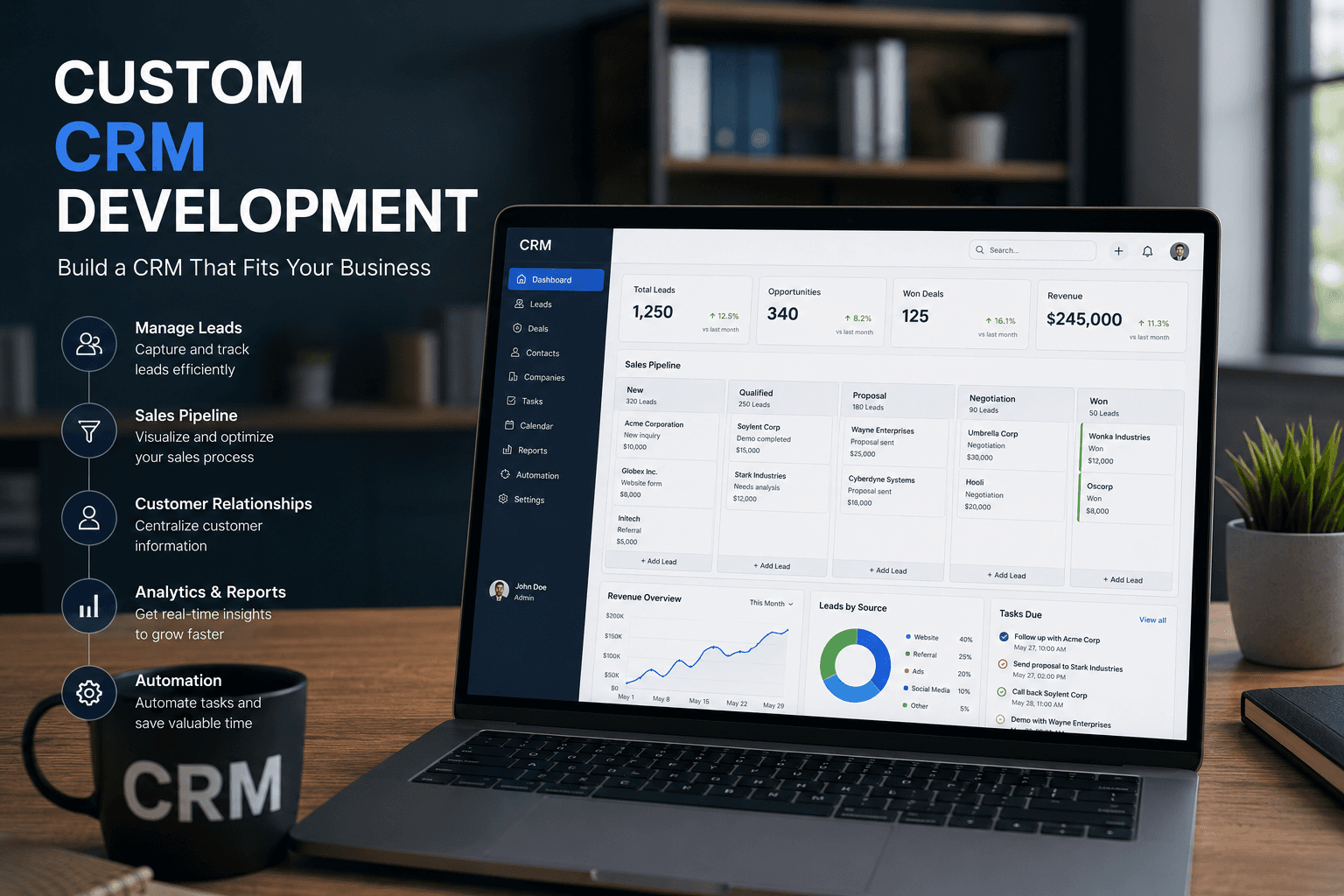
Custom CRM Development: Complete Guide
Everything businesses need to know about custom CRM development: what it is, benefits, essential features, AI-powered capabilities, costs, the development process, and how to decide if building a custom CRM is right for your company.

Bespoke Software Development: Complete Guide
Everything businesses need to know about bespoke software development, from benefits and costs to the development process and choosing the right technology partner.