Supabase RLS for AI-Built Apps: A Plain-English Guide
Learn what Supabase row level security is, why AI-built apps often get it wrong, and how to check and fix your policies before a leak.
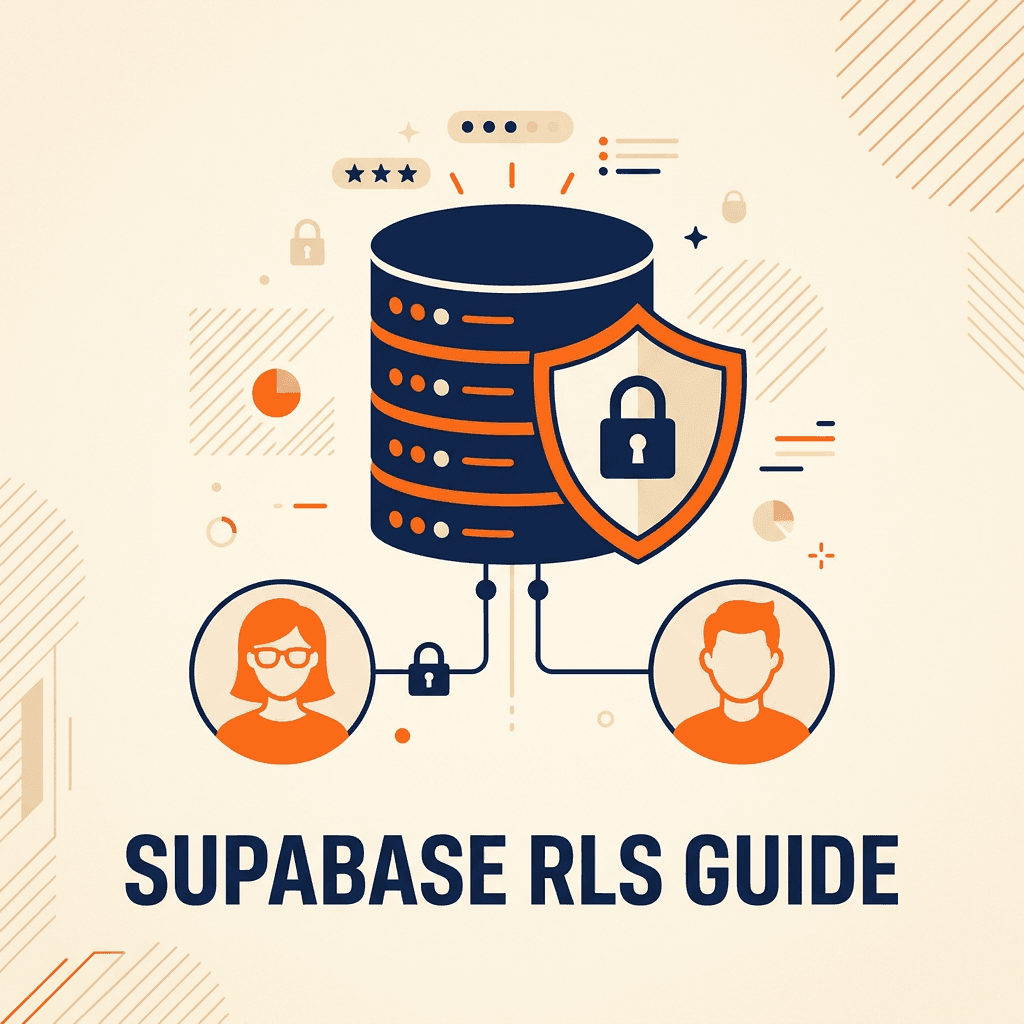
Most apps built with Lovable, Bolt and similar tools use Supabase as their database. Supabase lets the browser talk to the database directly, which is fast and convenient. It is also why one setting matters more than any other: row level security (RLS). If it is off or set up wrong, anyone with your app's public key can read or change data they should never see.
Quick answer: RLS is a set of rules inside the database that decides which rows each user can read, insert, update or delete. In an AI-built app, check that RLS is enabled on every table, that each table has policies tied to the logged-in user (or their company) and that no policy simply allows everything. Then test it by logging in as two different users.
Why RLS matters so much in Supabase
Supabase exposes your database through an API. The browser uses a public "anon" key to call it. That key is not a secret; it ships with your app. RLS is what stops someone from using that key to read the whole database. Without it, your data is effectively public.
There is also a powerful "service role" key that skips RLS completely. It must only ever be used on the server, never in the frontend.
How RLS works, in plain English
- Each table can have RLS turned on or off.
- When it is on, nobody can access rows unless a policy allows it.
- A policy is a rule like "a user can see a row if the row's user_id equals their own id".
- Policies can be different for reading, creating, updating and deleting.
A simple example policy, so users only see their own records:
alter table public.notes enable row level security;

create policy "Users can read their own notes"
on public.notes for select
using (auth.uid() = user_id);
The most common mistakes in AI-built apps
| Mistake | What happens |
|---|---|
| RLS turned off on some tables | Anyone with the public key can read or change those tables |
Policy that allows everything (for example, using (true)) | Same as having no protection |
| Reads protected, but inserts or updates are not | Users can create or modify records for other people |
| No company or team check in a multi-customer app | One customer sees another customer's data |
| Service role key used in the frontend | RLS is bypassed entirely |
| Views or functions that skip the caller's permissions | Data leaks through a side door |
| Storage buckets left public | Uploaded files can be downloaded by anyone with the link |
How to check your app in 30 minutes
- Open the Supabase dashboard and review the security warnings it shows for your project.
- List every table and confirm RLS is enabled on each one.
- For each table, read the policies for select, insert, update and delete.
- Search your frontend code for any key other than the anon key.
- Create two test users (ideally in two different companies) and try to open each other's records, using the app and direct API calls.
- Check storage buckets: which are public, and should they be?
If anything fails, fix it before adding users. The Lovable app security checklist covers the rest of the launch review.
Fixing RLS without breaking the app
- Turn RLS on table by table and test after each change; apps often break because they relied on open access.
- Write policies for each operation, not one catch-all policy.
- In multi-customer apps, add a membership table (user, company, role) and base policies on it.
- Move admin-only operations to server-side functions.
- Keep policies in migration files in Git, so changes are reviewed and repeatable.
FAQ
Is the Supabase anon key a secret?
No. It is designed to be public. Your protection comes from RLS policies, not from hiding the key.
Does Lovable set up RLS automatically?
AI builders often create some policies, but they are not always correct or complete. Always review them yourself or with a developer.
What happens if I enable RLS with no policies?
No one (except the service role) can access that table. That is safe, but your app may stop working until you add the right policies.
Can I test RLS without writing code?
Partly. Logging in as different users and trying to reach others' data catches many issues, but a code review is the safest check.
Conclusion
RLS is the single most important security setting in a Supabase-based app. Turn it on everywhere, write clear policies for each operation and test with real accounts before launch. For the bigger picture, read the vibe code rescue guide.
Get Help with Supabase
withnocode reviews and fixes Supabase security for apps built with AI tools. Talk to a Supabase expert or see our vibe-coded app rescue service.
Related Articles
Brazil vs Mexico vs Colombia: Where to Hire Developers
Compare Brazil, Mexico, Colombia and Argentina for hiring developers: rates, time zones, talent, English and risks for US companies.
How to Deploy a Bolt App to Production the Right Way
Take your Bolt.new app from prototype to production: hosting, environment variables, database, domain, monitoring and a launch checklist.