How to Deploy a Bolt App to Production the Right Way
Take your Bolt.new app from prototype to production: hosting, environment variables, database, domain, monitoring and a launch checklist.
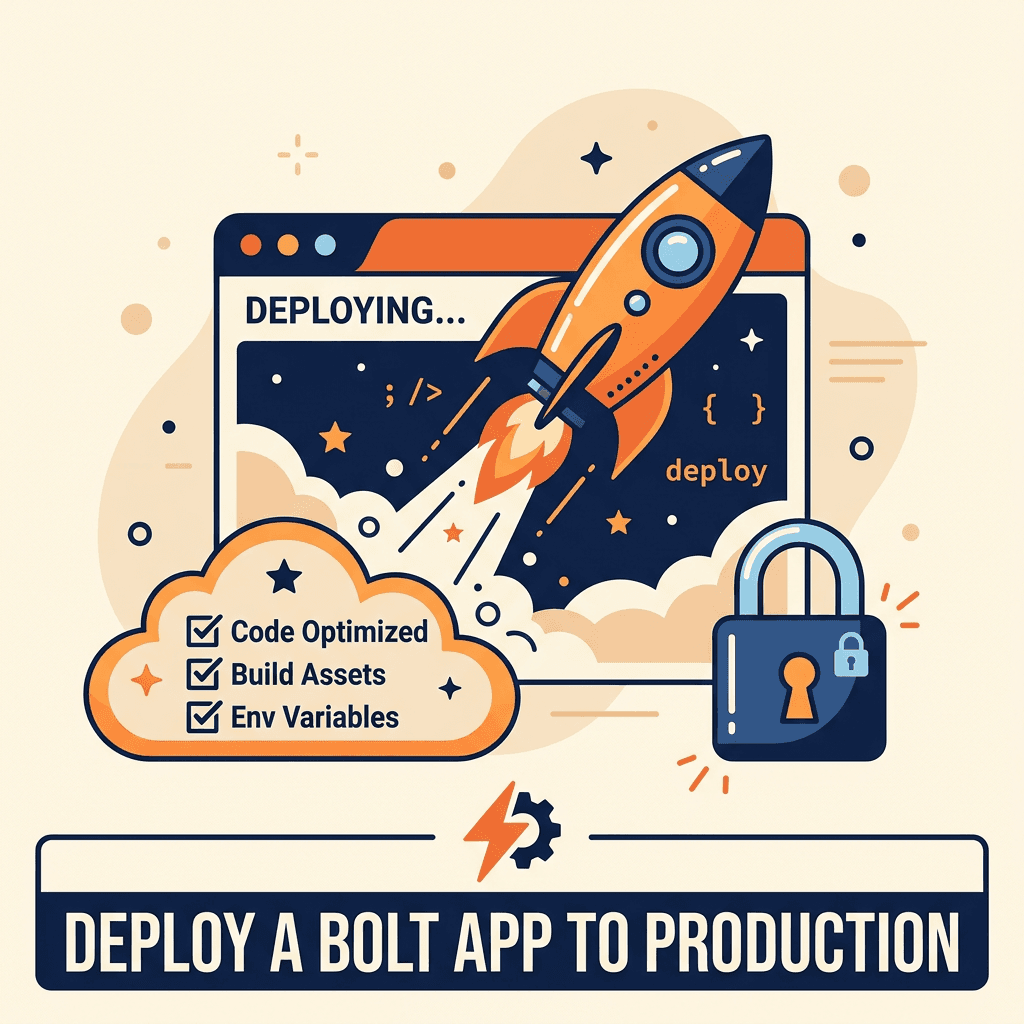
Bolt.new lets you build a full web app in the browser and publish it with a click. That is perfect for demos. For a product with real customers, "published" and "production-ready" are not the same thing. Production means your app keeps working, stays secure and can be fixed quickly when something breaks.
Quick answer: move the code to GitHub, pick a host you control, separate development and production environments, keep secrets on the server, set up a production database with backups, connect your domain with HTTPS, update auth redirect URLs and add error monitoring before you invite users.
Step 1: Get control of the code
- Connect the project to GitHub (or download it and push it to a repository you own).
- Make sure the repository and every service account are in your company's name.
- From now on, every change goes through Git, so you can review and roll back.
Step 2: Choose where to host
Bolt can publish apps for you, and that can be enough for simple projects. For more control, most Bolt apps (typically React and Vite) deploy easily to platforms such as Netlify, Vercel or Cloudflare Pages, with automatic builds from GitHub. If your app has a separate backend or long-running jobs, you may also need a server or functions platform.
Step 3: Set up environments and secrets
- Create separate development and production environments.
- Store configuration in environment variables on your host, not in code.
- Remember that in Vite apps, variables prefixed with
VITE_are bundled into the frontend and are public. Never put secret keys there. - Move calls that need secret keys (payments, AI providers, email) to server-side functions.
Step 4: Prepare the production database
- Use a separate production database (for example, a separate Supabase project) from the one you used for testing.
- Apply your schema with migration files, not by clicking in a dashboard.
- Turn on row level security and review policies; see Supabase RLS for AI-built apps.
- Configure backups and test a restore.
Step 5: Domain, HTTPS and auth
- Connect your custom domain and confirm HTTPS is active.
- Update authentication redirect URLs and allowed origins to your production domain.
- Check email sending (sign-up, password reset) uses your domain and is not landing in spam.
Step 6: Monitoring and alerts
- Add error tracking (for example, Sentry) so you see crashes before users report them.
- Set up uptime monitoring and alerts.
- Add basic analytics to understand how people use the app.
Step 7: Pre-launch checklist
For a deeper security pass, use the Lovable app security checklist; most items apply to Bolt apps too.
- Code in GitHub, accounts in your name
- Separate dev and production environments
- No secret keys in the frontend or in
VITE_variables - Production database with RLS, migrations and tested backups
- Custom domain with HTTPS; auth redirects updated
- Error tracking and uptime alerts working
- Payments tested end to end, including failures and refunds
- Privacy policy and terms published
After launch
Production is the start, not the end. Plan regular updates, dependency patches and small improvements. See the maintenance guide for AI-generated apps. If changes keep breaking the app, read rebuild or refactor AI-generated code.
FAQ
Is Bolt's one-click publish enough for production?
For simple apps, it can be. For apps with paying users, sensitive data or integrations, you want your own repository, separate environments and monitoring.
Can I move my Bolt app to another host later?
Yes. Once the code is in GitHub, you can deploy it to most modern hosting platforms.
Why did my app break after deploying?
The most common causes are missing environment variables, wrong auth redirect URLs and database policies that worked in development but block production users.
Do I need a developer to deploy?
Not always, but a developer review before launch catches security and configuration problems that are hard to see from the builder.
Conclusion
Bolt gets you to a working app fast. A few deliberate steps (code ownership, environments, secrets, database, monitoring) turn that app into something you can safely run a business on.
Get Help Going Live
withnocode takes Bolt and other AI-built apps to production with security, monitoring and a maintenance plan. Talk to a Bolt.new developer or see our vibe-coded app rescue service. Also see the vibe code rescue guide and best Bolt development agencies.
Related Articles

Brazil vs Mexico vs Colombia: Where to Hire Developers
Compare Brazil, Mexico, Colombia and Argentina for hiring developers: rates, time zones, talent, English and risks for US companies.

How to Manage a Nearshore Development Team Successfully
A practical guide to managing a nearshore development team: onboarding, rituals, communication, tools, quality and mistakes to avoid.