Lovable App Security Checklist: Fix Risks Before Launch
A security checklist for apps built with Lovable: secrets, Supabase RLS, auth, permissions, payments and data before real users arrive.
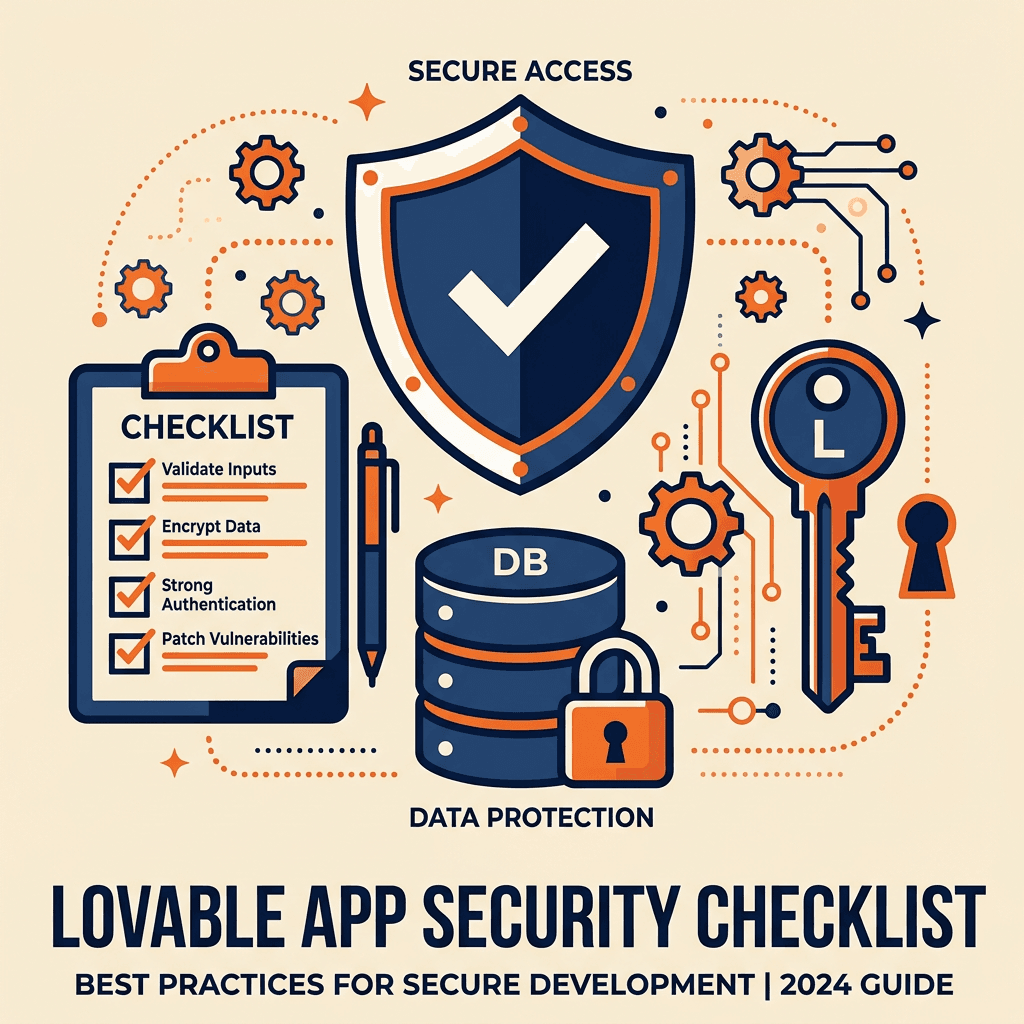
Lovable makes it possible to build a working web app in days. The catch is that the code works long before it is safe. AI-generated apps often ship with exposed keys, open database tables or admin pages that anyone can reach. This checklist covers what to verify before you put real users and real data on your app.
Quick answer: before launch, make sure no secret keys are in the frontend, row level security is on for every Supabase table with correct policies, authentication and roles are enforced on the server, file storage is private where it should be, payments use verified webhooks and you have backups. If you are not sure how to check these, get a code review.
1. Secrets and API keys
- No secret keys in frontend code (for example, the Supabase service role key, Stripe secret key or AI provider keys).
- The Supabase anon key is the only Supabase key in the browser; it is designed to be public, but only safe with RLS on.
- Third-party API calls that need secrets run in server-side functions (such as Supabase Edge Functions).
- Keys that were ever exposed have been rotated.
2. Database access (Supabase RLS)
This is the most common hole in AI-built apps. Read the full guide: Supabase RLS for AI-built apps.
- Row level security is enabled on every table.
- Each table has policies that limit reads and writes to the right users.
- Users cannot read or change other users' or other companies' data.
- Tested by logging in as two different users and trying to access each other's records.
3. Authentication and roles
- Email confirmation and sensible password rules are on.
- Auth redirect URLs only allow your real domains.
- Admin features are protected on the server, not only hidden in the interface.
- Roles (admin, member, customer) are checked in database policies or server functions.
4. File storage
- Buckets with private files (contracts, IDs, invoices) are not public.
- Storage policies limit who can upload, read and delete files.
- File types and sizes are restricted on upload.
5. Payments
- Prices and plan changes are decided on the server, not by the browser.
- Payment webhooks verify the provider's signature.
- Failed payments, refunds and cancellations update access correctly.
6. Inputs and abuse
- Forms validate data on the server, not only in the browser.
- Public endpoints have rate limits to prevent abuse and runaway AI costs.
- Error messages do not reveal internal details.
7. Operations
- Code is synced to GitHub, with history.
- Separate development and production environments.
- Backups are configured and a restore has been tested.
- Error logging and alerts are in place.
- Dependencies are reviewed and updated.
8. Privacy and compliance
- Privacy policy and terms are published.
- You collect only the personal data you need.
- You know where data is stored and which vendors process it.
- Extra rules apply if you handle health, financial or children's data.
Built-in scans help, but are not enough
If your builder offers an automatic security scan, run it. Automated checks catch common problems, but they cannot understand your business rules, such as which customer should see which data. A human review of the code and database policies is still needed before launch.
What to do if you find problems
- Fix exposed secrets and missing RLS first; they are the highest risk.
- Freeze new features until the critical items are done.
- Get a short audit if the app handles payments or sensitive data. See how much it costs to fix a vibe-coded app.
- Plan ongoing maintenance; see why every Lovable app needs ongoing maintenance.
New to the tool? Read what Lovable is, and see the full vibe code rescue guide.
FAQ
Is Lovable secure?
The platform gives you a solid starting point, but the security of your app depends on how it is configured, especially database policies and where secrets are stored.
Is it safe to have the Supabase anon key in my frontend?
Yes, it is meant to be public, but only if row level security is enabled and policies are correct on every table.
How long does a security review take?
For a small app, a focused review can take a few days. Larger apps with payments and many roles take longer.
Can I fix security issues with more prompts?
Some, yes. But you need someone who can verify the fix, because AI tools can report a problem as solved when it is not.
Conclusion
Shipping fast is Lovable's superpower; shipping safely is your job. Run through this checklist before launch, fix the critical items first and get a second pair of eyes on the code.
Get a Security Review
withnocode reviews and hardens apps built with Lovable, Bolt and other AI tools. Hire a Lovable developer or see our vibe-coded app rescue service.
Related Articles
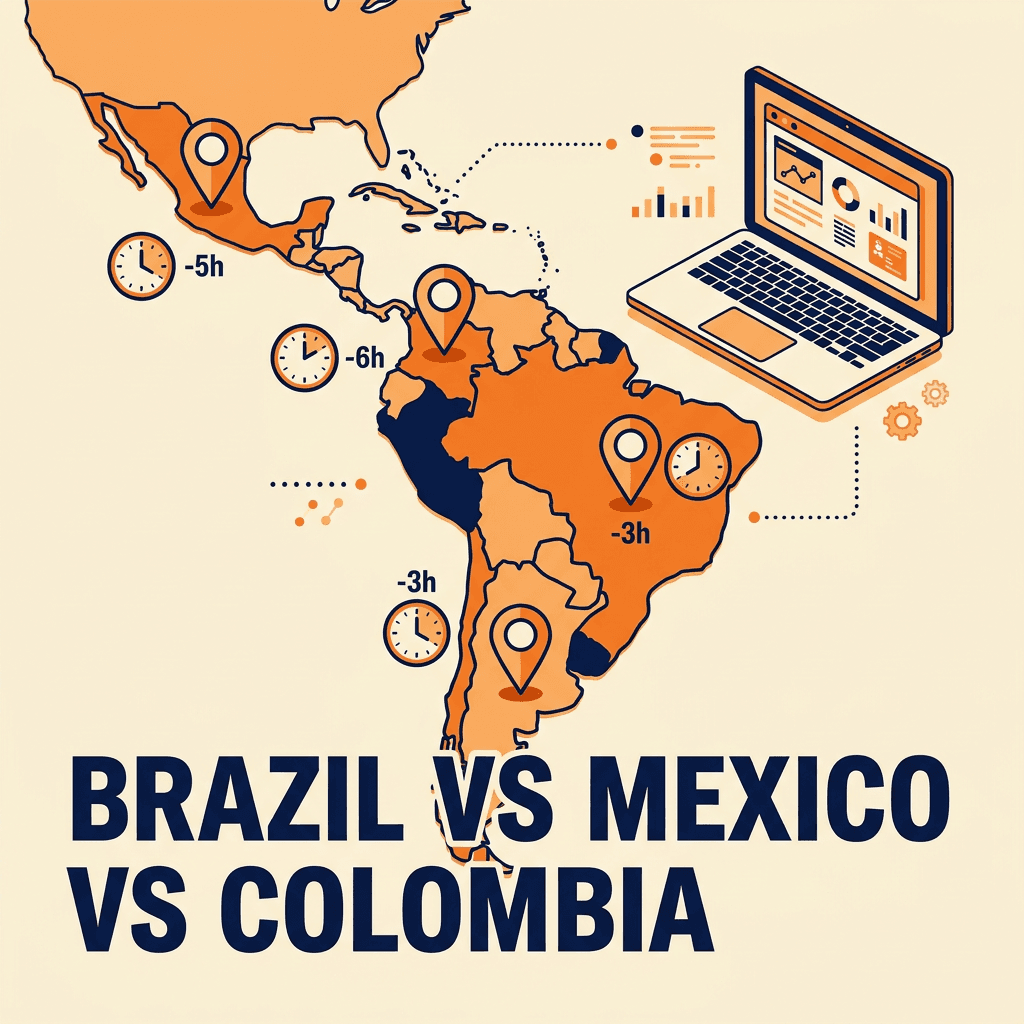
Brazil vs Mexico vs Colombia: Where to Hire Developers
Compare Brazil, Mexico, Colombia and Argentina for hiring developers: rates, time zones, talent, English and risks for US companies.
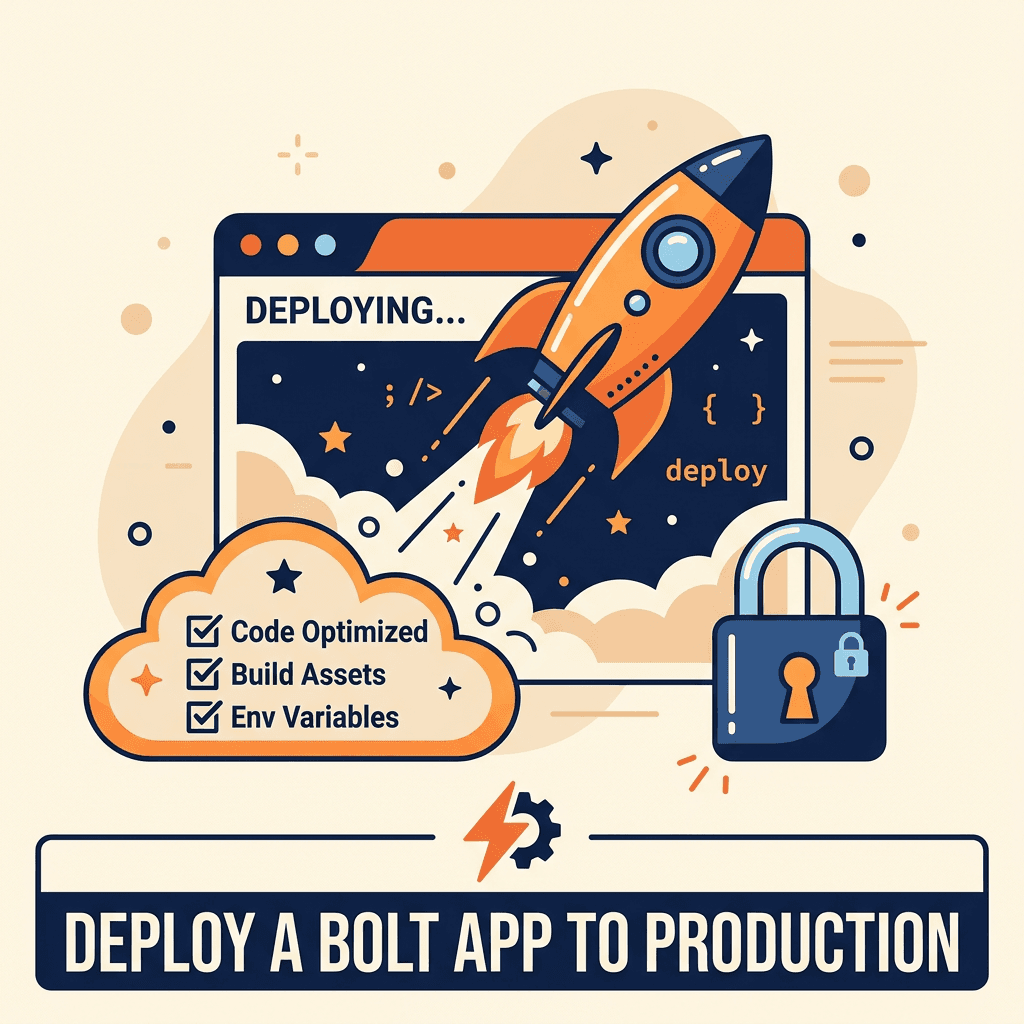
How to Deploy a Bolt App to Production the Right Way
Take your Bolt.new app from prototype to production: hosting, environment variables, database, domain, monitoring and a launch checklist.