When Should You Move from No-Code to Custom Development? (Complete Guide)
Learn exactly when to transition from no-code to custom development. Understand key signals, avoid costly mistakes, and scale intelligently without rebuilding.
Last updated: May 2026
No-code tools have changed how products are built. Today, startups can launch apps faster than ever without writing large amounts of code.
But as your product grows, a common question starts to come up:
Is it time to move beyond no-code?
The answer is not always obvious — and moving too early or too late can both create serious problems.
In this guide, we'll break down exactly when it makes sense to move from no-code to custom development, what signals to look for, and how to do it without slowing down your growth.
Why No-Code Works So Well (At First)
No-code platforms are incredibly powerful in the early stages.
They allow you to:
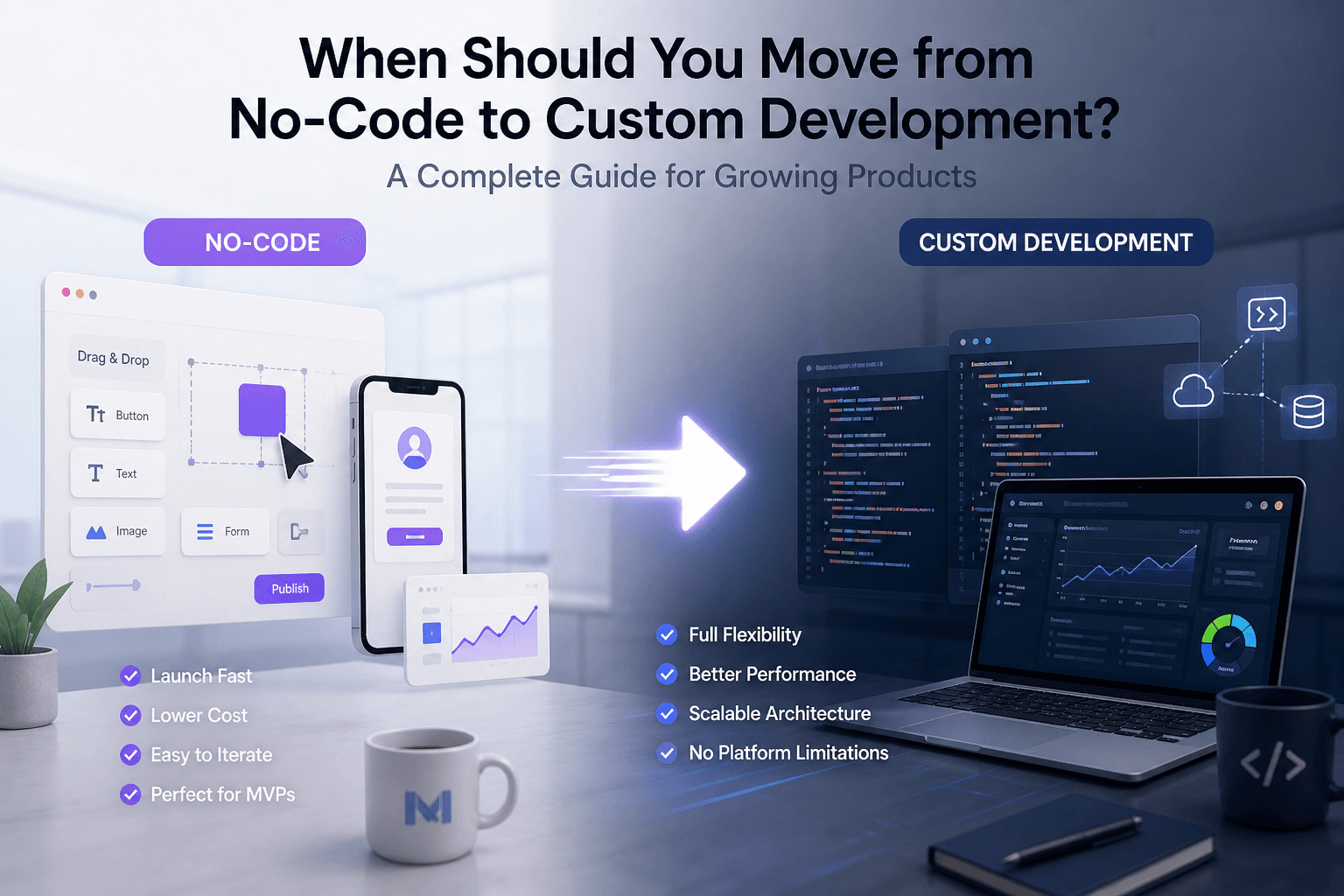
- Launch quickly
- Test ideas with minimal investment
- Iterate without heavy development cycles
- Validate your product before scaling
For most startups, this is the smartest way to start. If you're still in the early phase, check out this guide on how startups build MVPs — it explores this approach in detail.
The Problem: Growth Changes Everything
As your product gains traction, your needs start to change.
What worked at the beginning may no longer be enough.
You start needing:
- More control over your backend
- Custom integrations
- Better performance
- Scalable architecture
And this is where no-code can begin to show limitations — depending on how your product evolves.
Key Signs It's Time to Move Beyond No-Code
Not every product needs to migrate — but these are strong indicators.
1. Performance Starts Becoming an Issue
If your app becomes slower as users grow, it may be due to:
- Inefficient queries
- Platform limitations
- Lack of optimization control
At this point, performance tuning becomes difficult inside no-code environments.
2. You Need Advanced Integrations
As your product matures, you may need:
- Custom APIs
- Third-party services
- Complex workflows
No-code platforms can handle some integrations — but not always at scale or with flexibility.
3. You're Hitting Platform Limitations
Common signs:
- You can't implement a feature you need
- Workflows become too complex
- Logic becomes hard to manage
This is often the clearest signal.
4. You Want More Control Over Your Data
Many no-code tools rely on built-in databases.
At some point, you may need:
- External databases
- More control over data structure
- Better security and flexibility
5. You're Thinking Long-Term
If your goal is to build a long-term, scalable product, you'll eventually need:
- More control over architecture
- Better performance optimization
- Flexibility for future features
Reality Check
Many teams realize these limitations only after they've invested heavily in a no-code platform. Understanding the constraints early can help you plan better — whether that means choosing a hybrid approach, selecting a platform with extension capabilities, or planning a transition from day one.
When You Should NOT Move to Custom Development
This is just as important.
Many teams migrate too early.
You should NOT move if:
- Your product is not validated yet
- You have few or no users
- Your current setup is still working
- You don't have clear scalability needs
Moving too early can waste time and money.
The Smart Approach: Hybrid Development
The best approach today is not choosing between no-code or custom.
It's combining both.
A typical path looks like this:
No-code → Hybrid → Custom
- Start with no-code to validate
- Introduce custom backend or integrations
- Transition gradually to full custom when needed
This allows you to:
- Move fast early
- Reduce costs
- Scale without rebuilding everything
If you're still comparing approaches, this no-code vs custom app development breakdown can help clarify when to use each.
How to Transition Without Breaking Your Product
One of the biggest mistakes is trying to rebuild everything at once.
A better approach:
Step 1: Identify bottlenecks
Focus only on what needs to change
Step 2: Move critical components first
Backend, database, or performance layers
Step 3: Keep what still works
Don't throw away working systems
Step 4: Scale gradually
Evolve your architecture over time
Common Mistakes to Avoid
- Migrating too early
- Rebuilding everything from scratch
- Ignoring existing infrastructure
- Choosing tools based on hype
- Not planning for scalability
Avoiding these mistakes can save months of work.
Strategic Perspective
In practice, many teams struggle not because of the tools they use, but because they move without a clear technical strategy. Understanding what to keep, what to change, and when to transition can make a significant difference in both cost and speed.
Final Thoughts
Moving from no-code to custom development is not a binary decision — it's a process.
The goal is not to replace one with the other, but to evolve your product as it grows.
The best teams today don't choose tools — they choose strategies.
They start fast, validate early, and scale intelligently.
Working with teams that have experience across different stages — from MVP to scalable products — often helps avoid unnecessary rebuilds and costly mistakes.
If you're currently in that transition phase, it's often useful to get a second technical perspective before making major decisions — especially when scaling your product.
Related Articles
ERP vs CRM: What's the Difference?
Understand the key differences between ERP and CRM systems: what each one does, their benefits, use cases, costs, the role of AI, and how to decide which system (or both) your business actually needs.
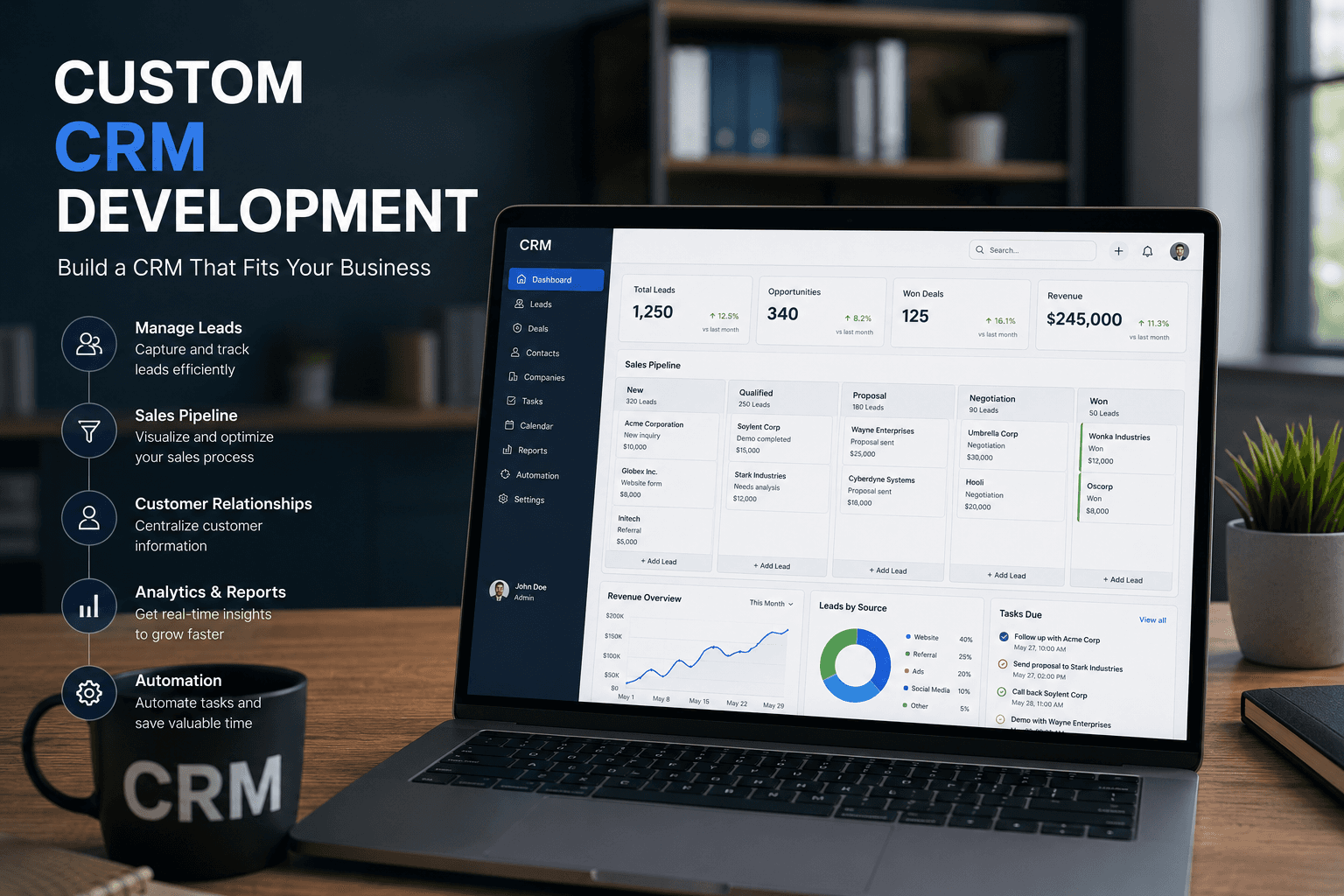
Custom CRM Development: Complete Guide
Everything businesses need to know about custom CRM development: what it is, benefits, essential features, AI-powered capabilities, costs, the development process, and how to decide if building a custom CRM is right for your company.