Best Tools to Build an App (No-Code & AI Tools Compared)
Discover the best no-code and AI tools to build apps. Compare Lovable, Base44, Replit, FlutterFlow and learn when to use each platform.
Last updated: April 2026
The way apps are built has changed dramatically in recent years. Today, you no longer need a large engineering team to launch a digital product. Thanks to no-code platforms and AI-powered tools, building an app is faster, more accessible, and significantly more cost-efficient than ever before.
But with so many tools available, choosing the right one can be overwhelming.
In this guide, we break down the best tools to build an app, comparing no-code platforms, AI-native builders, and development platforms — so you can choose the right stack based on your goals.
Why Tools Matter More Than Ever
The tools you choose directly impact:
- Development speed
- Project cost
- Scalability
- Flexibility
- Long-term maintenance
Making the wrong decision early can create limitations, increase costs, and slow down your growth.
Types of App Development Tools Available Today
Before diving into specific platforms, it's important to understand the main categories available today.
No-Code Builders
Visual platforms that allow you to build applications without writing code.
AI App Builders
Platforms that generate applications using natural language and automation.
Development Platforms
Tools that combine coding environments with AI to accelerate development.
Next-Generation App Development Platforms (Deep Analysis)
The current generation of tools goes beyond traditional no-code. These platforms enable full-stack app creation with different levels of control, speed, and scalability.
Understanding their positioning is key.
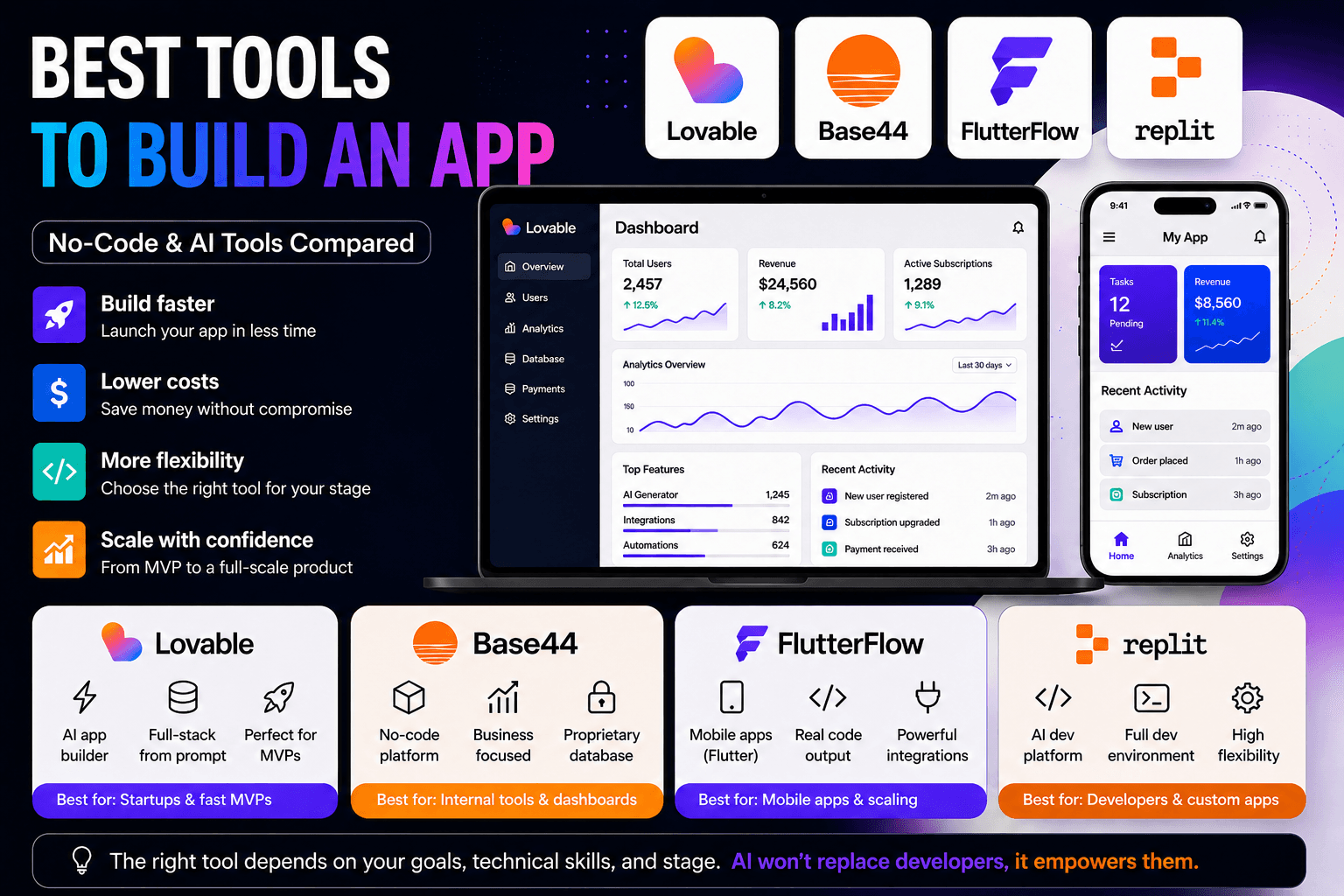
Lovable
Lovable is part of a new wave of AI-native builders that gained traction around 2026–2025, as AI models became capable of generating structured applications.
Its core idea is simple: describe your app, and the platform generates a working product — including frontend, backend logic, and database structure.
What it does:
- Generates full-stack apps from prompts
- Connects UI, logic, and data automatically
- Accelerates MVP creation dramatically
Where it excels:
- Extremely fast idea validation
- MVP development
- Early-stage startups
Limitations:
- Does not currently support native mobile app development (no React Native support)
- May require additional tools for advanced mobile use cases
Strategic Perspective
Among the new generation of AI builders, Lovable stands out as one of the most flexible options currently available. Unlike many platforms that restrict how your data and backend are managed, Lovable allows you to integrate external services such as Supabase or other databases — avoiding vendor lock-in and enabling long-term scalability.
Base44
Base44 focuses on simplicity and accessibility, making it ideal for non-technical users.
What it does:
- Builds apps with minimal technical input
- Simplifies workflows and logic
- Focuses on business use cases
Best use cases:
- Internal tools
- Dashboards
- Operational systems
Limitations:
- Uses a proprietary database (vendor lock-in)
- Limited flexibility for scaling complex applications
- Harder to migrate or extend beyond the platform
Replit (AI Development Platform)
Replit evolved into a full AI-powered development platform, combining coding with AI assistance.
What it does:
- Provides a full development environment
- Integrates AI to assist coding
- Supports multiple programming languages
Where it excels:
- Developer productivity
- Rapid prototyping with control
- Scalable custom applications
Limitations:
- Requires technical knowledge
- No native integration with external databases like Supabase
- Integrations often require custom setup or workarounds
FlutterFlow
FlutterFlow is a hybrid platform combining no-code with real code output.
What it does:
- Builds mobile apps visually
- Generates Flutter code
- Supports integrations
Where it excels:
- Mobile apps
- Scalable frontends
- Transition from MVP to production
Limitations:
- Backend complexity may require external tools
- Generated code can include boilerplate, making it more verbose than hand-written code
When to Use Each App Development Tool (Strategic Guide)
Choosing the right tool depends on your stage, technical level, and product complexity. If you're still deciding between approaches, understanding the differences between no-code vs custom app development can help you make a more informed decision.
Early Stage (Idea to MVP)
You can use: Lovable, Base44, FlutterFlow, Replit
Focus: speed, validation, and flexibility
At this stage, the goal is to launch quickly and test your idea. Non-technical founders may lean toward Lovable or Base44, while more technical teams often use FlutterFlow or Replit to maintain greater control from the start.
Most startups follow a structured process when building their first version of a product, which you can explore in this how startups build MVPs guide.
Growth Stage (MVP to Traction)
You can use: Lovable, FlutterFlow, Replit
Focus: improving performance, flexibility, and product quality
Once your product gains traction, the focus shifts to refining the user experience and improving system structure.
Scale Stage (Product to Platform)
Best approach: Custom development + AI
Focus: scalability, performance, and long-term control
At scale, full control over architecture becomes essential.
Hybrid Strategy
Lovable / Base44 → FlutterFlow / Replit → Custom + AI
Start fast, validate, improve, then scale.
Comparison Table
| Tool | Type | Best For |
|---|---|---|
| Lovable | AI Builder | MVPs & startups |
| Base44 | No-code / AI | Internal tools |
| Replit | AI Dev Platform | Developers |
| FlutterFlow | No-code + AI | Mobile apps |
How to Choose the Right Tool
Consider:
- Budget
- Timeline
- Complexity
- Scalability
If you want to understand how different approaches impact your budget, check this detailed guide on app development costs.
Common Technical Limitations Across AI App Builders
While AI app builders have dramatically accelerated how products are created, they are not without limitations. Understanding these constraints is critical — especially if you're planning to build something that needs to scale, integrate deeply, or evolve over time.
Limited Control Over Architecture
Most AI builders rely on predefined patterns and abstractions. This can result in reduced control over system design, difficulty implementing advanced logic, and limited performance optimization.
Vendor Lock-In Risks
Many platforms depend on proprietary systems. This can lead to dependency on the platform, limited flexibility, and difficult migrations.
Limited Native Integrations
Some platforms do not offer native integrations with external services. This may require custom APIs, manual setup, and technical workarounds.
Performance Constraints
AI-generated apps are not always optimized out of the box. Issues may include inefficient queries and slower performance under load.
Mobile Limitations
Many AI builders focus on web apps. This means limited native mobile support and reliance on external tools.
Scalability Challenges
As products grow, architecture may need changes and migration may become necessary.
Final Perspective
Despite these limitations, AI app builders are extremely powerful tools when used correctly.
The key factor is not the tool itself — but how it is used.
The quality of the final product depends on:
- The developer or team behind it
- How well prompts are structured
- The use of best practices
- Architectural decisions
AI is not here to replace developers — it is here to amplify them. When combined with strong technical thinking, AI tools can significantly accelerate development, reduce costs, and improve productivity. The best results come from humans and AI working together.
Related Articles
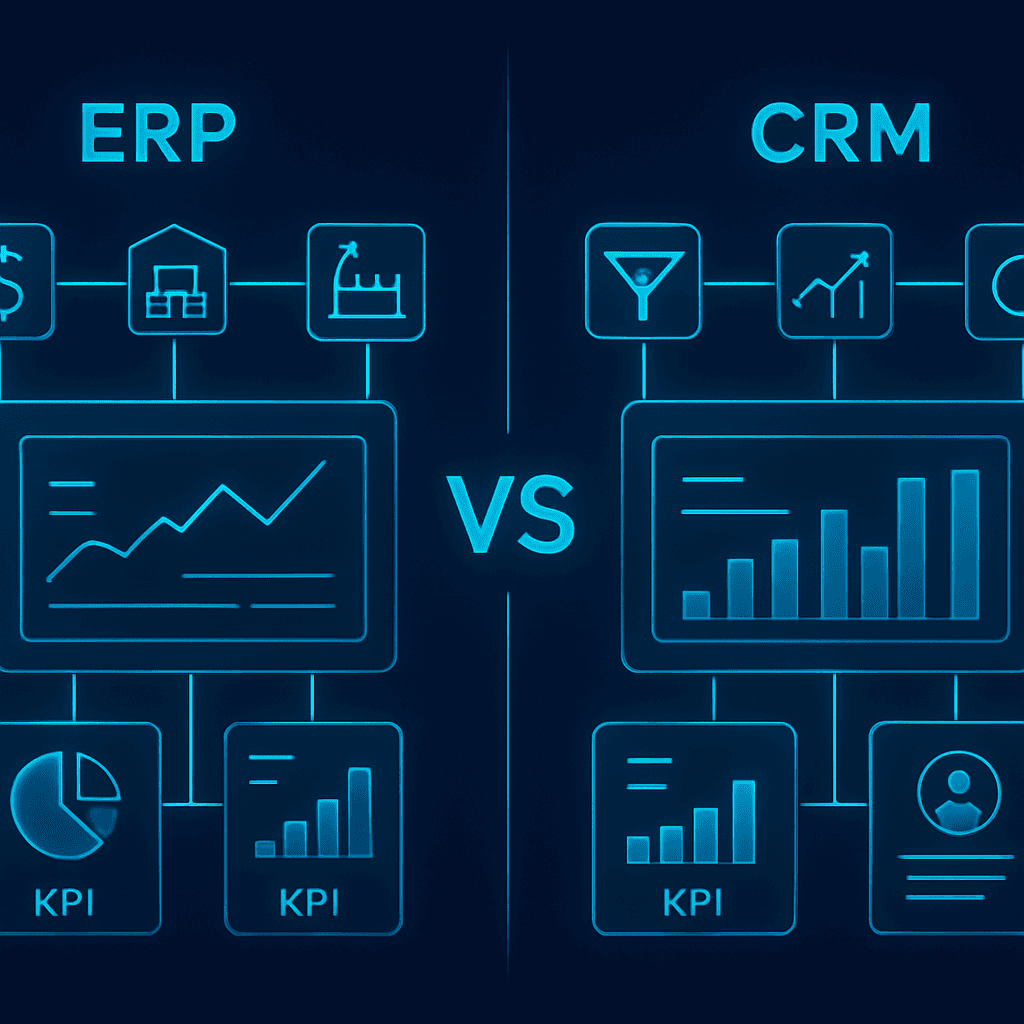
ERP vs CRM: What's the Difference?
Understand the key differences between ERP and CRM systems: what each one does, their benefits, use cases, costs, the role of AI, and how to decide which system (or both) your business actually needs.
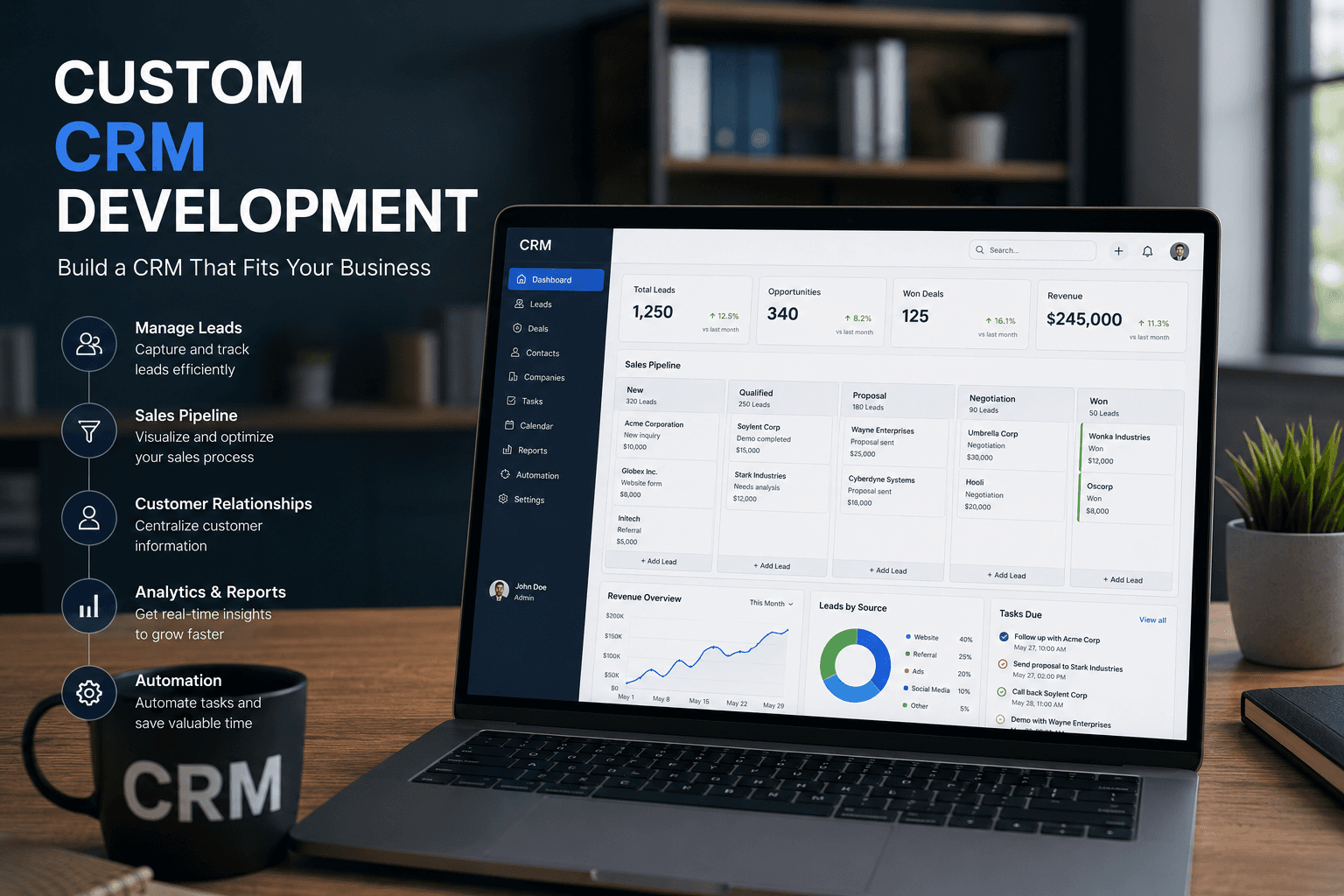
Custom CRM Development: Complete Guide
Everything businesses need to know about custom CRM development: what it is, benefits, essential features, AI-powered capabilities, costs, the development process, and how to decide if building a custom CRM is right for your company.